UV tips and tricks - Part I
Hey guys, I just wanted to share with you a few tools and tricks that I've been using quite a lot in my UV workflow for Visual Effects. Nothing fancy, but I hope these gifs can help you somehow.
I also use UV Layout, and soon I'll be posting more stuff about it too.
You can check a more in-depth article about UVs on my website: http://www.paulhpaulino.com/6-tips-to-improve-your-uv-mapping-workflow/
Let me know in the comment section what kind of breakdown you would like to see in the future!
The Leviathan model was provided by the uber-talented David Letondor: https://www.artstation.com/davidletondor
We worked together on Leviathan for my Texturing Course at Think Tank Online: https://www.tttc.ca/online/
You can see the final render here: https://www.artstation.com/artwork/Lq3e5
IG: instagram.com/paulhpaulino
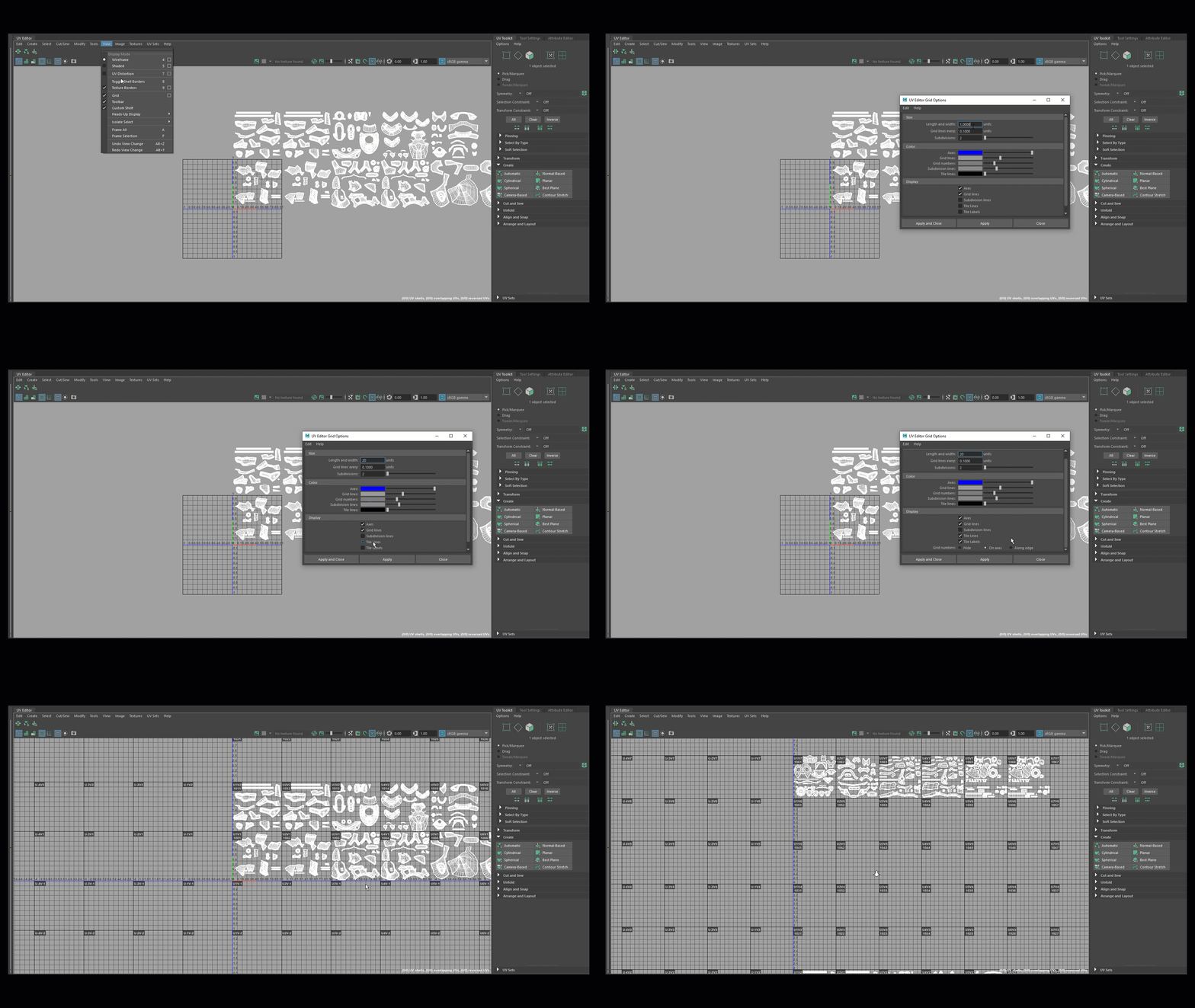
This is how I setup my UDIM grid before I start my UV workflow. UV labels can be quite useful when you have multiple tiles.

Under the selecting by type shelf you can find an option to select unmapped objects. Extremely useful when you have some lost pieces that for some reason didn't get mapped during your workflow.

The normal-based projection is an excellent start when creating a new UV set. It works particularly well with hard-surface panels.
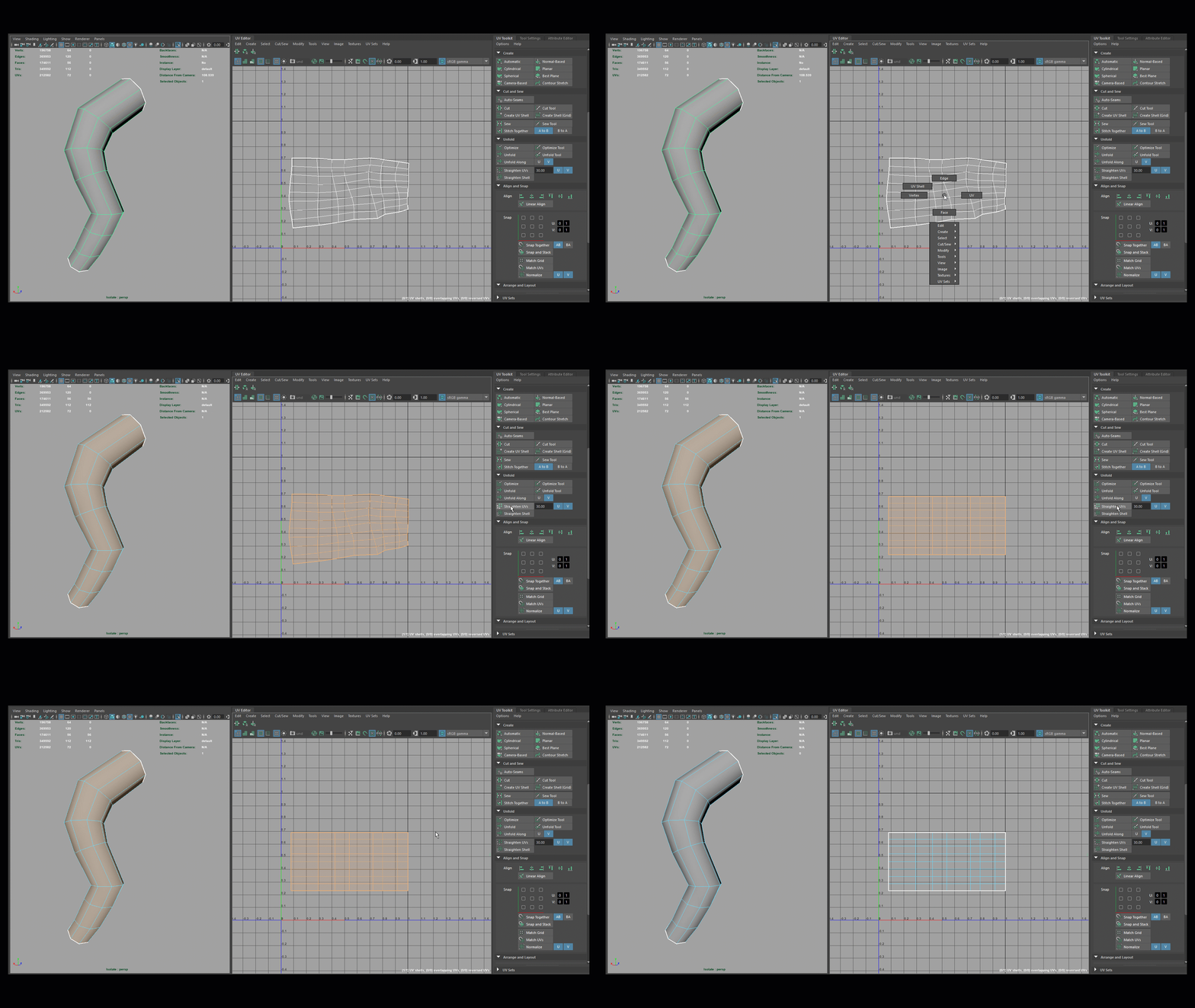
They finally implemented an option to straighten the shells without a lot of effort! - Now you can make your tubes and pipes look sexier than ever.

My buddy Rob Smith shared this one with me at work a few months ago! The distribute option is an excellent way to organize multiple pieces at once. It also gives you an option to adjust the distance in between each shell.

Stacking shells and orienting them is a great way to work with symmetrical pieces.

The texel density is extremely useful to keep shells with the same size and density.

Quick tip - Press SHIFT on each button to see multiple options