UV tips and tricks - Part II
Hey guys, this is the second part of a few tools and tricks that I've been using quite a lot in my UV workflow for Visual Effects. Nothing fancy, but I hope these gifs can help you somehow.
You can see the Part I here:
https://www.artstation.com/artwork/aRyyn2
Part III is coming soon and I'll showcase some tips to keep in my while unwrapping organic models.
You can check a more in-depth article about UVs on my website: http://www.paulhpaulino.com/6-tips-to-improve-your-uv-mapping-workflow/
Let me know in the comment section what kind of breakdown you would like to see in the future!
The model used was provided by my friend Leo Krajden:
https://www.artstation.com/leokrajden
IG: instagram.com/paulhpaulino
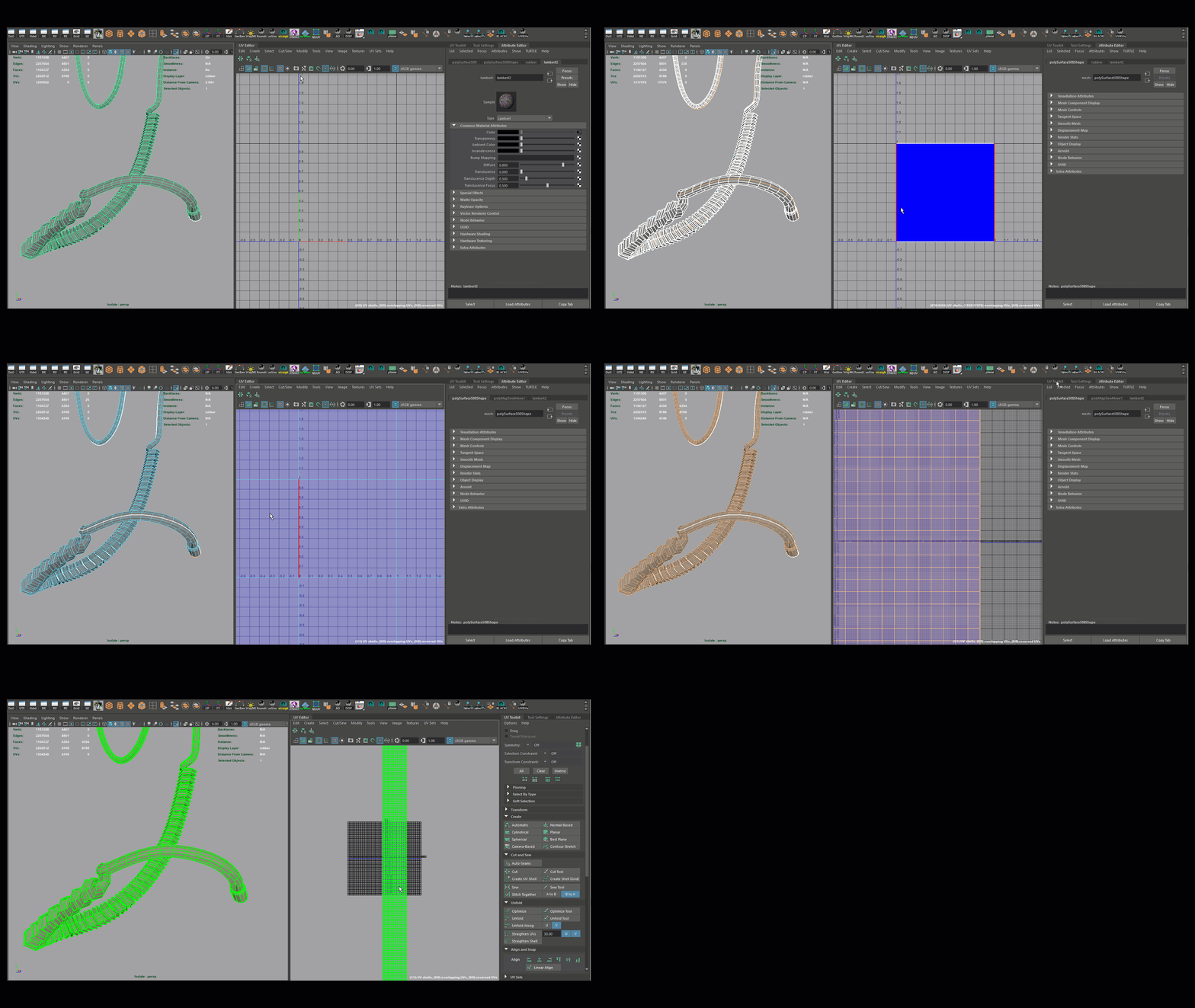
I use this UNITIZE method quite a lot to unwrap complex tubes and ropes. You get some stretching sometimes, but they don't bother me and the result is super clean!
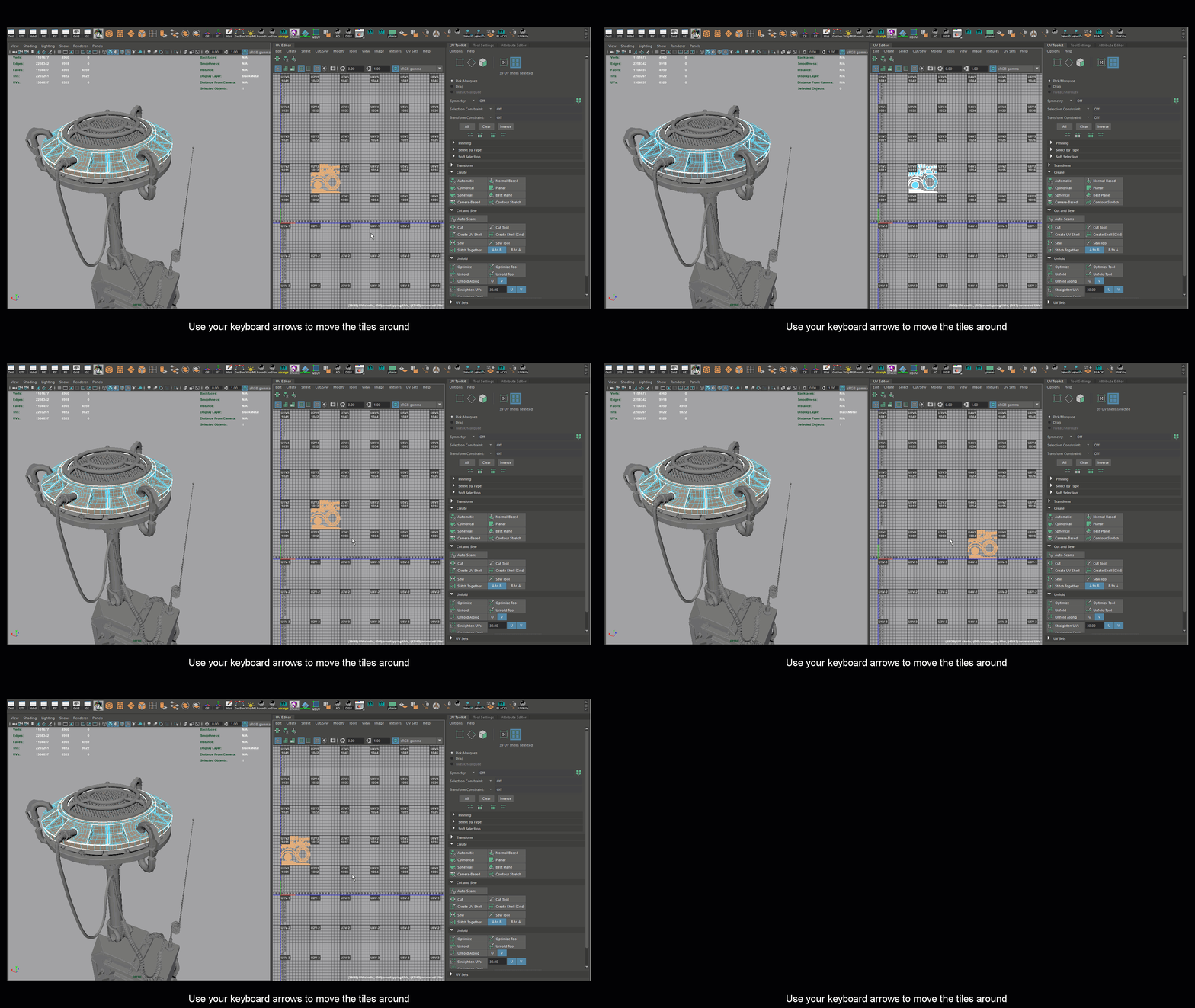
Quick tips: Use arrow keys to move around with your tiles!
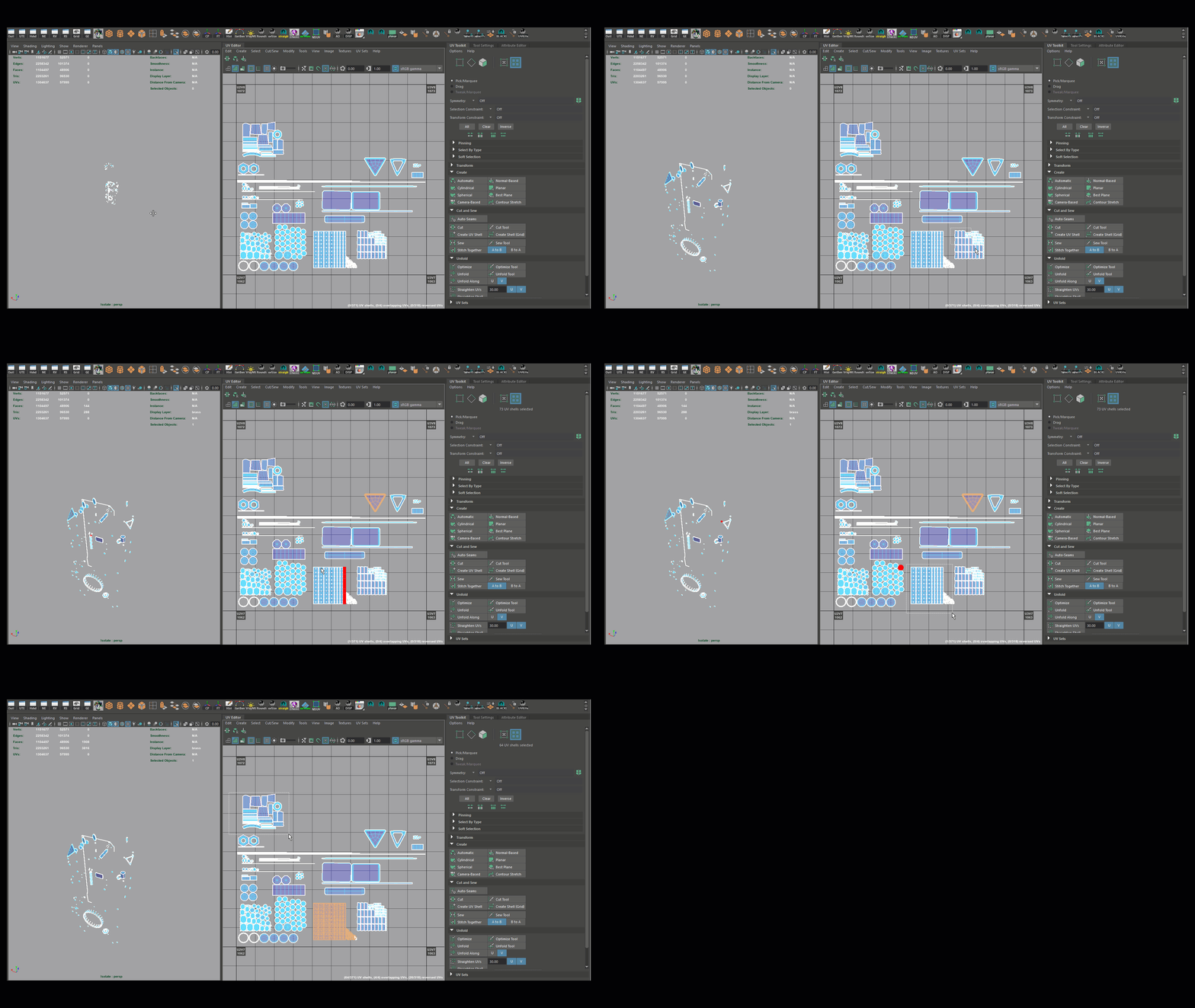
Even when I have a bunch of tiny pieces, I make sure to organize and layout them with enough space so I can make quick selections during my texture painting process

The new "Auto-Seams" option in Maya 2018 can be extremely helpful to unwrap hard surface pieces.

Sometimes I use the "Auto-Seams" option to have a good start on complex pieces. After it lays down the shell, I can go and cut more until I'm happy with the results

AVOID making cuts on areas with a 5 pole. You can get some nasty stretching.

Add supporting edges to your model to avoid stretching

I always use the BOX options in UV Layout to organize my shells - A life saver!

Press "R" to straighten your shells - Can't get easier than that!

Some basic guidelines that I use with my UVs